Profile
Route: Profile (/profile), accessible from the avatar menu in the top-right header
Your profile page shows your account information and security settings. It has three sections:
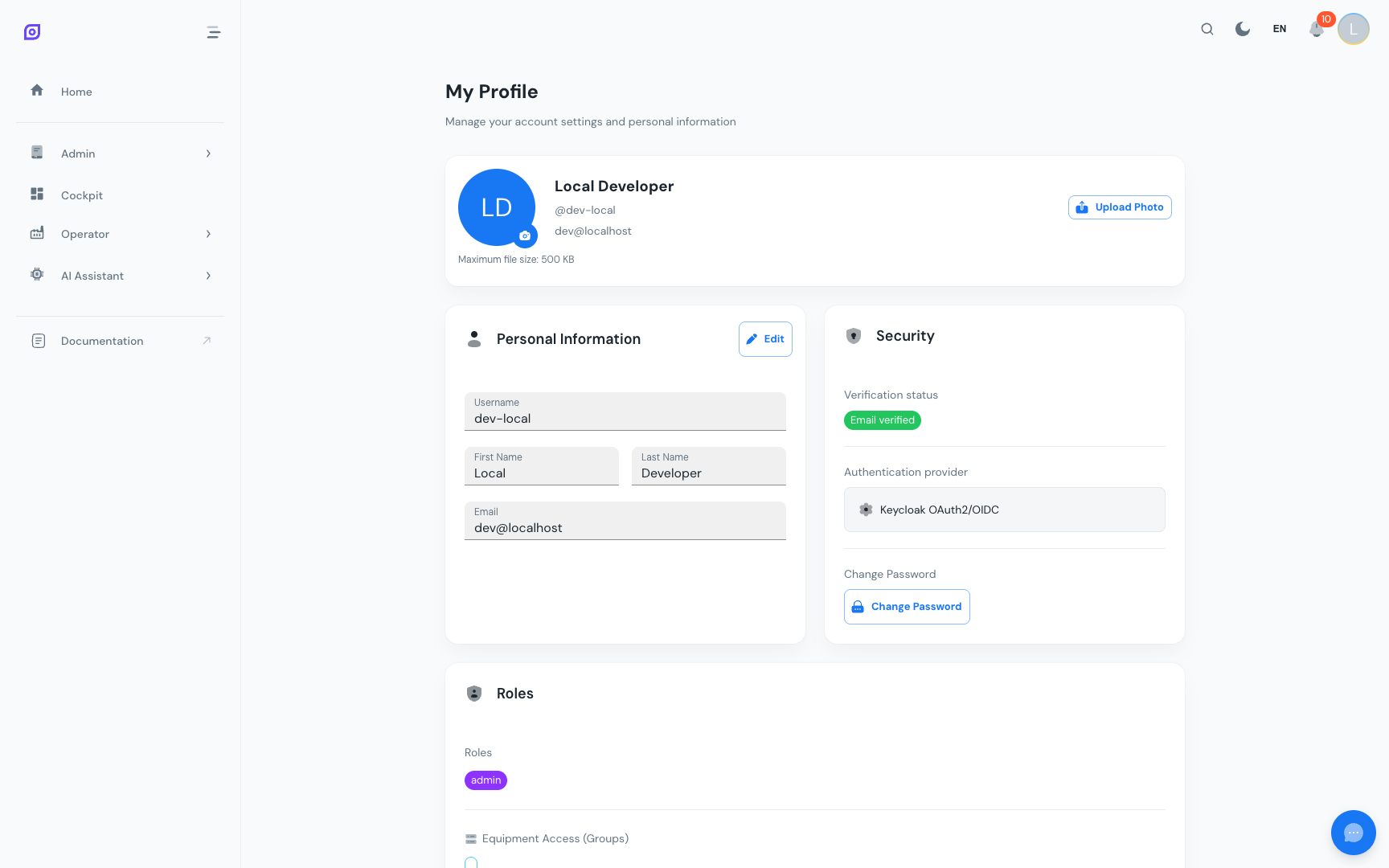
Personal information
The Personal Information card shows:
- Full name: your first and last name
- Username: your login identifier
- Email: your registered email address
- Account status: whether your account is enabled and email-verified
This information comes from Keycloak and is read-only in OpSee. To update your name or email, contact your administrator or change it directly in the Keycloak account portal if your organization gives you access to it.
Security
The Security card lets you:
- Change your password: see Change Password
- View email verification status: whether your email address has been confirmed
Roles and Permissions
The Roles and Permissions card shows:
- Roles: the business roles you hold (e.g.
role:Operator), which grant the permissions behind each page - Equipment access: which equipment's data you can see (e.g.
equipment:company-a:antwerp:line-2)
This is a read-only view. If you need different access, contact your administrator.
See Roles and Permissions for a full explanation of the role model.
Accessing your profile
- Click your avatar or initials in the top-right corner of the header
- Select Profile from the dropdown
Or navigate directly to /profile.
Prerequisites
- Interface Overview — find the avatar menu in the header
- Session and Login — sign in first
Next steps
- Change Password — update your password
- Permissions — understand your role assignments in detail
Related
- Roles and Permissions — the full role model
- Administration → Access Control — user management (admin only)