Procedures
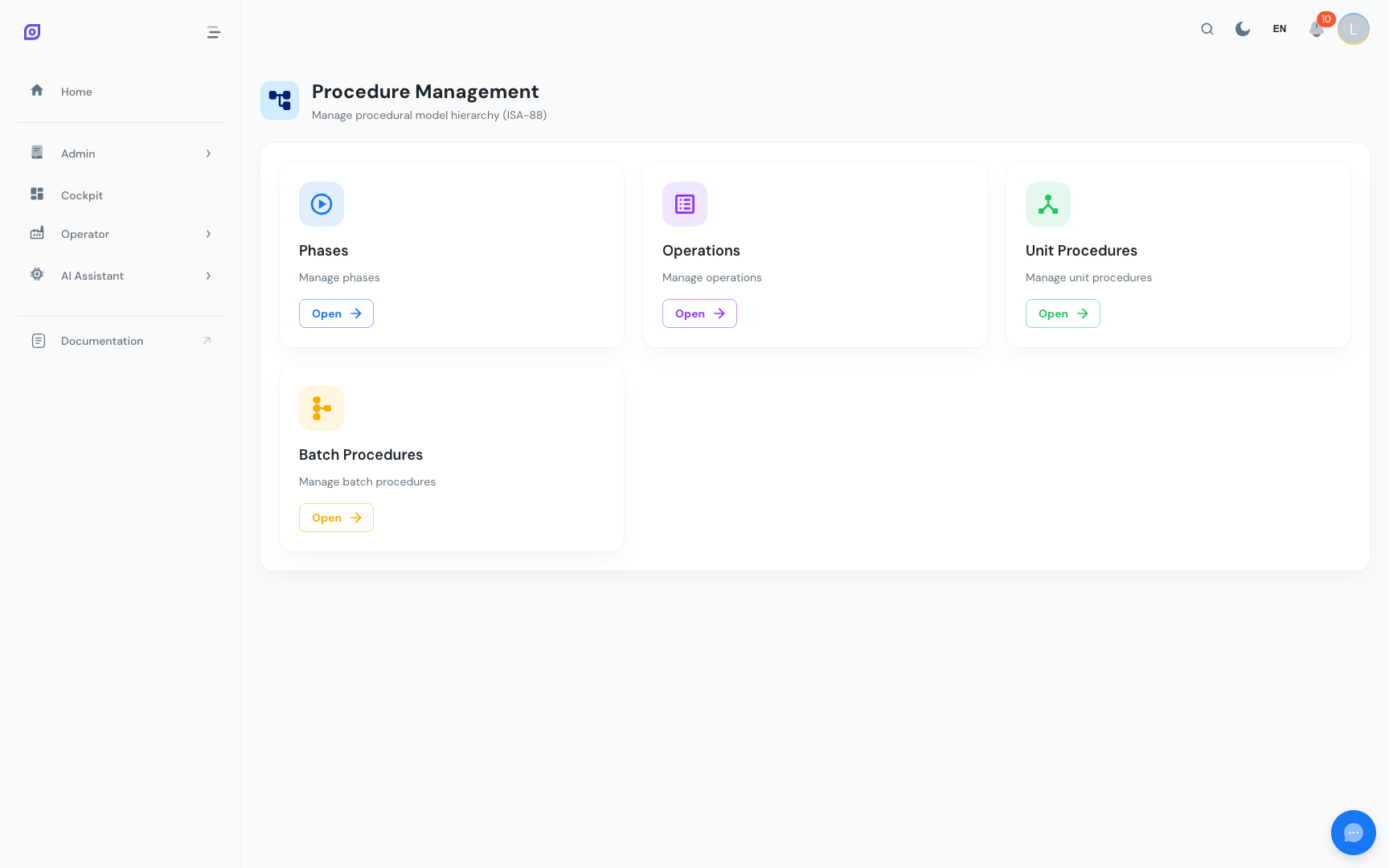
The Procedures module lets you define how products are manufactured by building a structured hierarchy of steps following the ISA-88 (IEC 61512) standard. Procedures are the backbone of your manufacturing process definition: they describe the sequence of actions needed to produce a batch, independently of what product is being made (that part is handled by Recipes).
The ISA-88 Procedure Hierarchy
OpSee implements the full four-level procedure model defined by ISA-88:
| Level | What it represents | Example |
|---|---|---|
| Batch Procedure | The complete production process for a batch | "Juice Production" |
| Unit Procedure | A subset that runs on a single equipment unit | "Mixing Process" on the mixing tank |
| Operation | A major step within a unit procedure | "Heat and Mix" |
| Phase | The smallest controllable action, with parameters | "Set Temperature to X" |
:::tip Why this hierarchy matters Separating procedures into four levels lets you reuse building blocks. A "Heat" phase can be used in multiple operations, an operation can appear in different unit procedures, and so on. This avoids duplication and makes maintenance easier. :::
Key features
- Full ISA-88 compliance: four-level hierarchy from phases up to batch procedures
- Reusable building blocks: phases and operations can be shared across higher-level procedures
- Phase parameters: define configurable settings (temperature, speed, duration) with data types, units, min/max constraints, and defaults
- Equipment requirements: link unit procedures to equipment classes and phases to equipment capabilities
- Ordered sequences: arrange child elements with drag-and-drop reordering (move up/down)
- Optional steps: mark phases within operations as optional, or allow unit procedures to run in parallel
- Active/inactive management: soft-disable any element without deleting it
- Full CRUD: create, edit, delete, and search at every level with dashboard KPI cards
How procedures connect to recipes
Procedures define the method (the steps to follow). Recipes define the product (specific parameters and materials). A recipe references a batch procedure and overrides its phase parameters with product-specific values.
For a deeper explanation of how procedures and recipes work together, see Batch Model (ISA-88).
Navigation
The Procedures section is accessed from Admin > Procedures in the main navigation. The landing page shows cards for each sub-page:
- Phases: manage the smallest building blocks
- Operations: compose phases into operations
- Unit Procedures: compose operations into unit procedures
- Batch Procedures: compose unit procedures into complete batch procedures
:::info Build bottom-up When setting up procedures for the first time, work from the bottom of the hierarchy upward: create phases first, then operations, then unit procedures, and finally batch procedures. Each level depends on the one below it. :::
Learn more
| Page | What you will find |
|---|---|
| Getting Started | Step-by-step tutorial to build your first procedure hierarchy |
| Phases | Create and manage phases with configurable parameters |
| Operations | Compose phases into ordered operations |
| Unit Procedures | Group operations by equipment unit with equipment class requirements |
| Batch Procedures | Assemble the complete batch procedure with parallel execution support |
Prerequisites
- Introduction — get the overall picture of OpSee
Next steps
Related
- Batch Model (ISA-88)
- Recipes — complementary module