Operator
The Operator section covers the pages and workflows designed for shop-floor operators: the people who work on the production lines and are responsible for entering downtime events and monitoring real-time KPIs.
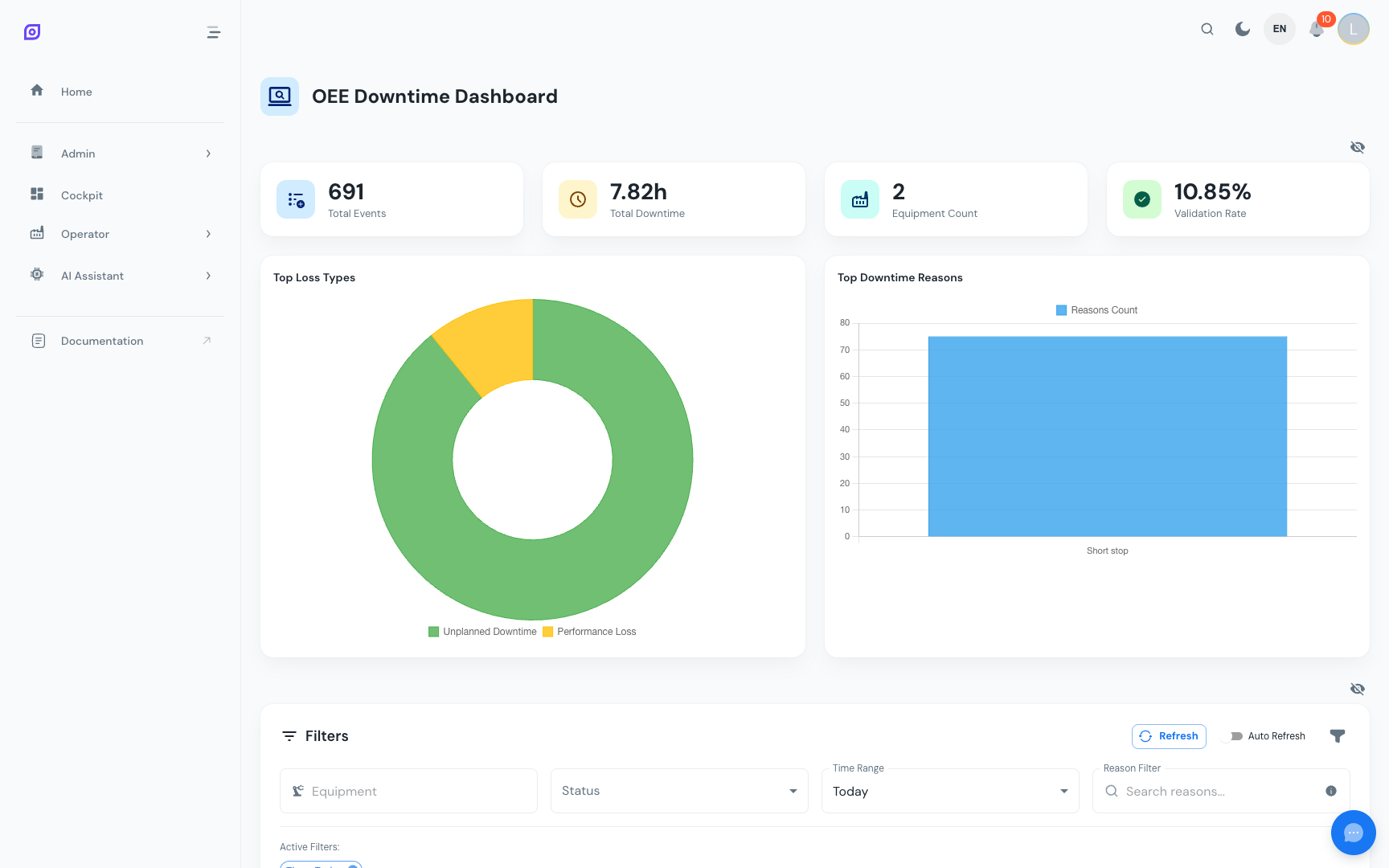
What operators do in OpSee
| Task | Where | Frequency |
|---|---|---|
| Classify downtime events | Downtime Screen | Several times per shift |
| Monitor real-time KPIs | KPI Screen | Continuous (display board) |
| Use OpSee on a tablet | Mobile Usage | Daily |
The two operator screens
OpSee has two dedicated operator-facing screens that are optimized for shop-floor use:
1. Downtime Screen (/production/oee/downtime_op_screen)
The primary screen for operators. It shows all downtime events (machine stops) for their assigned equipment. For each event, the operator:
- Sees when the machine stopped and for how long
- Selects the reason from the reason tree (why did it stop?)
- Optionally adds a comment
- Marks the event as validated
See Downtime Screen for the full workflow.
2. KPI Screen (/production/kpi/operator)
A real-time display showing key performance indicators for the operator's line. This screen is designed to be mounted on a large monitor or TV at the workstation as a production status board.
See KPI Screen for details.
Mobile-First Design
Both operator screens are fully responsive and work on tablets and phones. Operators can use a standard Android or iOS tablet to classify downtime events directly on the shop floor, without needing a desktop computer.
See Mobile Usage for tips on the mobile experience.
Prerequisites
- Interface Overview — understand the navigation sidebar
- Roles and Permissions — operators need specific menu roles to access these screens
Next steps
- Downtime Screen — classify downtime events
- KPI Screen — monitor real-time KPIs
Related
- Production Overview — the broader Production module context
- OEE Configuration — how reason trees are set up (admin)