OEE Analytics
The OEE Analytics module provides real-time calculations and visual breakdowns of your equipment's effectiveness. It transforms raw availability records into actionable insights.
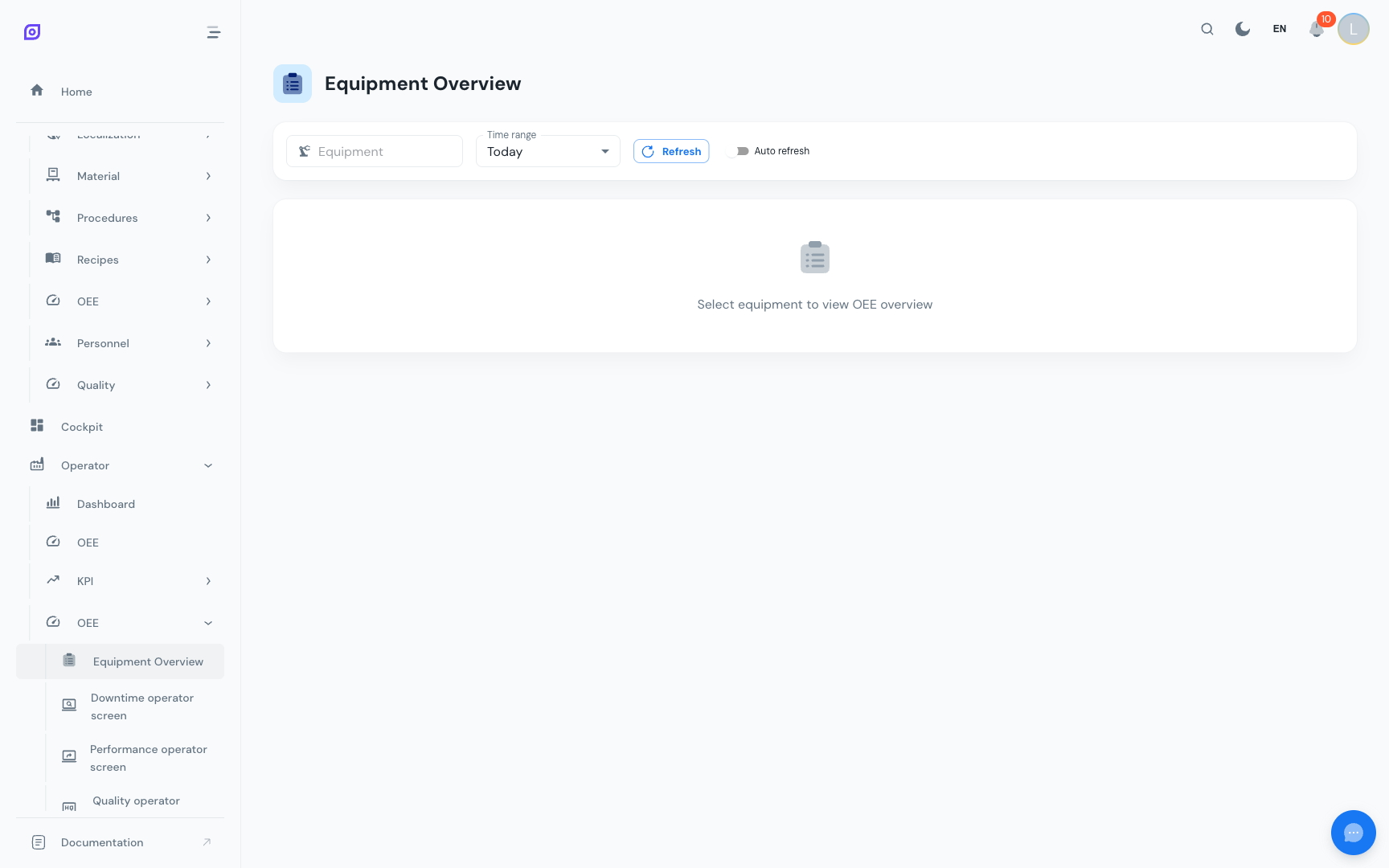
OEE Calculation
Select an equipment item and time range to see the full OEE breakdown:
Core metrics
| Metric | Formula | What it tells you |
|---|---|---|
| OEE | Availability × Performance × Quality | Overall effectiveness percentage |
| Availability | Run Time / Planned Production Time | Uptime vs. planned time |
| Performance | (Ideal Cycle Time × Total Pieces) / Run Time | Actual vs. ideal speed |
| Quality | Good Pieces / Total Pieces | Yield rate |
Time breakdown
The analytics view shows how your total calendar time is allocated:
Derived metrics
| Metric | Formula | Target |
|---|---|---|
| MTTR | Total Repair Time / Number of Failures | Lower is better |
| MTBF | Total Run Time / Number of Failures | Higher is better |
| Total Downtime | Sum of all stop durations | Minimize |
| Downtime Events | Count of individual stops | Fewer, longer stops are better than many short ones |
Waterfall analysis
The OEE Waterfall chart shows where time is lost, starting from total calendar time and cascading through each loss category:
Calendar Time (100%)
  └── − Unscheduled → Planned Production Time (83%)
        └── − Planned Stops → Available Time (75%)
              └── − Unplanned Stops → Operating Time (68%)
                    └── − Speed Losses → Net Operating Time (62%)
                          └── − Quality Losses → Fully Productive Time (58%)
This visualization makes it immediately clear which loss category has the biggest impact, helping you prioritize improvement efforts.
Top losses analysis
The analytics view ranks your losses by impact:
Top Downtime Reasons
A Pareto-style breakdown showing which specific reasons account for the most downtime. Typically, 20% of reasons cause 80% of downtime (the Pareto principle).
Top Loss Types
Downtime grouped by OEE loss type, showing the relative contribution of:
- Planned vs. unplanned availability losses
- Performance losses
- Quality losses
Production Trend
Track production output over time:
- Actual production: cumulative pieces produced
- Theoretical maximum: what the equipment should produce at ideal speed
- Target: your production target for the period
The gap between actual and theoretical reveals where improvement potential lies.
Activity Trend
A time-series view of equipment activity showing:
- Running state: when the equipment was running vs. stopped
- Production increments: piece counts over time
- Waste increments: reject counts over time
Equipment Overview
Compare OEE across multiple equipment items in a single view:
| Equipment | OEE | Availability | Performance | Quality |
|---|---|---|---|---|
| Line 1 | 82% | 90% | 95% | 96% |
| Line 2 | 71% | 85% | 88% | 95% |
| Line 3 | 65% | 78% | 90% | 93% |
This helps identify which lines need attention and which are performing well.
:::tip Filter by time range Use the time range selector to compare different periods: shift vs. shift, day vs. day, week vs. week. This reveals patterns (e.g., "Monday mornings always have lower availability due to startup issues"). :::
Next steps
- Reports — Generate and export OEE reports
- Cockpit — Build custom dashboards with OEE widgets
- Production OEE — Operator-facing OEE views
Prerequisites
- OEE Configuration Overview
- Introduction — get the overall picture of OpSee
Related
- OEE Fundamentals
- Equipment — complementary module