Material
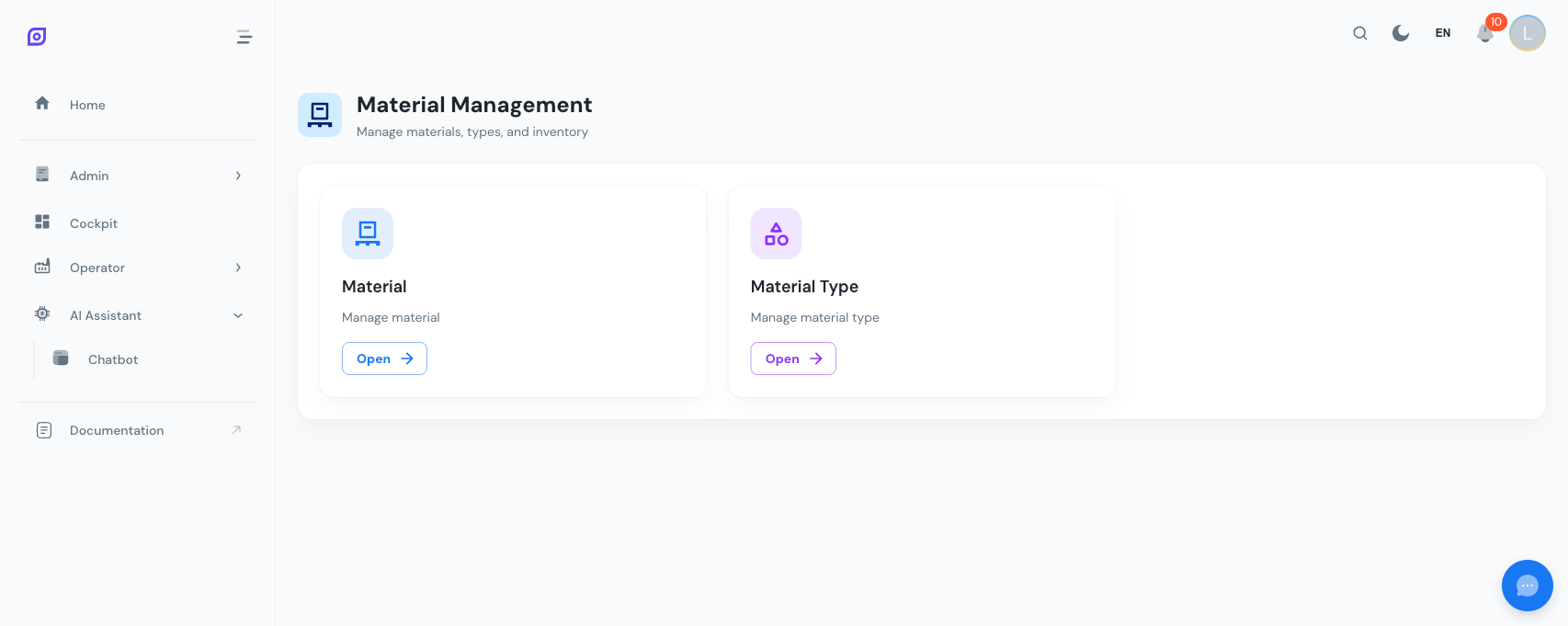
The Material module in OpSee lets you define and organize all the materials involved in your manufacturing process -- raw materials, intermediates, finished products, packaging, and consumables. It follows the ISA-88 material model, where every material belongs to a material class (category) and can be linked to a unit of measure.
Key features
| Feature | Description |
|---|---|
| Material List | Full CRUD for individual materials with name, code, class, unit of measure, and shelf life |
| Material Classes | Hierarchical categories to organize materials (e.g. Raw Materials > Chemicals > Solvents) |
| Search & Filter | Text search across name, code, and description; filter by material class using a tree selector |
| Soft & Hard Delete | Deactivate materials to hide them from active lists, or permanently delete unused ones |
| Unit of Measure | Assign a UoM (kg, L, pcs, etc.) to each material for consistent tracking |
| Shelf Life Tracking | Optional shelf life in days for perishable materials |
| Dashboard Cards | Summary KPIs showing total, active, and inactive material counts |
| Audit Trail | Every create, update, and delete operation is logged for traceability |
How materials connect to other modules
Materials are referenced throughout OpSee:
- Recipes define which materials are consumed and produced during a process
- Equipment can be associated with the materials they process
- OEE Production tracks material consumption and output in real time
- Cockpit widgets can display material inventory and usage metrics
:::info ISA-88 Alignment OpSee's material model aligns with the ISA-88 (Batch Control) standard. Material classes provide a classification hierarchy, while individual materials represent specific items within those classes. This structure supports recipe-based manufacturing workflows. :::
Quick start
- Navigate to Admin > Material from the main menu
- Create material classes first -- these are the categories your materials will belong to
- Add materials to those classes, specifying a code, unit of measure, and optional shelf life
- Use materials in recipes, production orders, and cockpit dashboards
Start by defining your material class hierarchy before adding individual materials. A well-organized class tree makes filtering and reporting much easier later.
Learn more
| Page | What you will find |
|---|---|
| Getting Started | Step-by-step tutorial to create your first material |
| Material List | Managing materials: search, filter, edit, deactivate, and delete |
| Material Classes | Creating and organizing hierarchical material categories |
Prerequisites
- Introduction — get the overall picture of OpSee
Next steps
Related
- Equipment Model (ISA-95)
- Equipment — complementary module