Quality
Route: Administration → Quality (/admin/quality)
The Quality module manages quality inspection data: defect records, quality events, and the materials or products that failed quality checks.
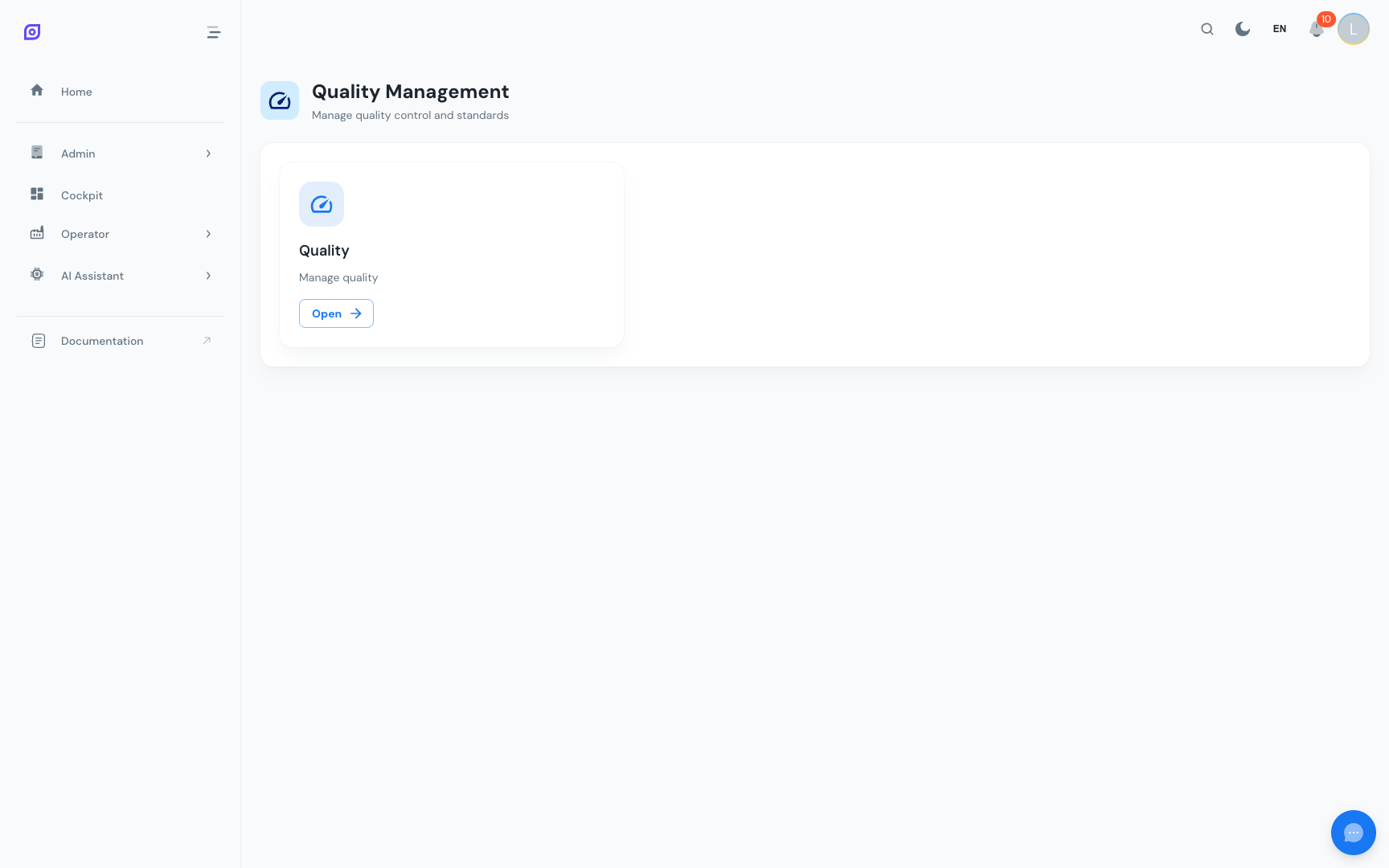
:::info Coming soon The Quality module is being actively developed. Some sub-sections described here may appear as placeholder cards in the current version. This documentation will be updated as features are released. :::
What Quality manages
| Section | Description |
|---|---|
| Quality List | Individual quality records linked to production events |
Quality list
Navigate to Administration → Quality → Quality List (/admin/quality/list).
The Quality List shows all recorded quality events: instances where a product or batch did not meet the quality standard. Each record includes:
- The equipment where the event occurred
- The material involved
- The defect quantity
- The timestamp
- A status indicator (Open / Closed)
How Quality links to OEE
Quality events feed into the Quality component of OEE:
- OEE Quality = Good parts / Total parts produced
- Defects recorded in the Quality module reduce the Quality rate
- The Production → OEE Quality dashboard shows the aggregated quality rate over time
Prerequisites
- Equipment Overview — quality events are linked to equipment
- Material Overview — quality events are linked to materials
Next steps
- Production → OEE Quality — analyze quality rates
- OEE Configuration → Loss Types — configure quality-category loss types
Related
- OEE Fundamentals — the role of Quality in the OEE calculation