KPI Configuration
Route: Administration → KPI (/admin/kpi)
The KPI module provides configuration and management for Key Performance Indicators tracked across your production lines.
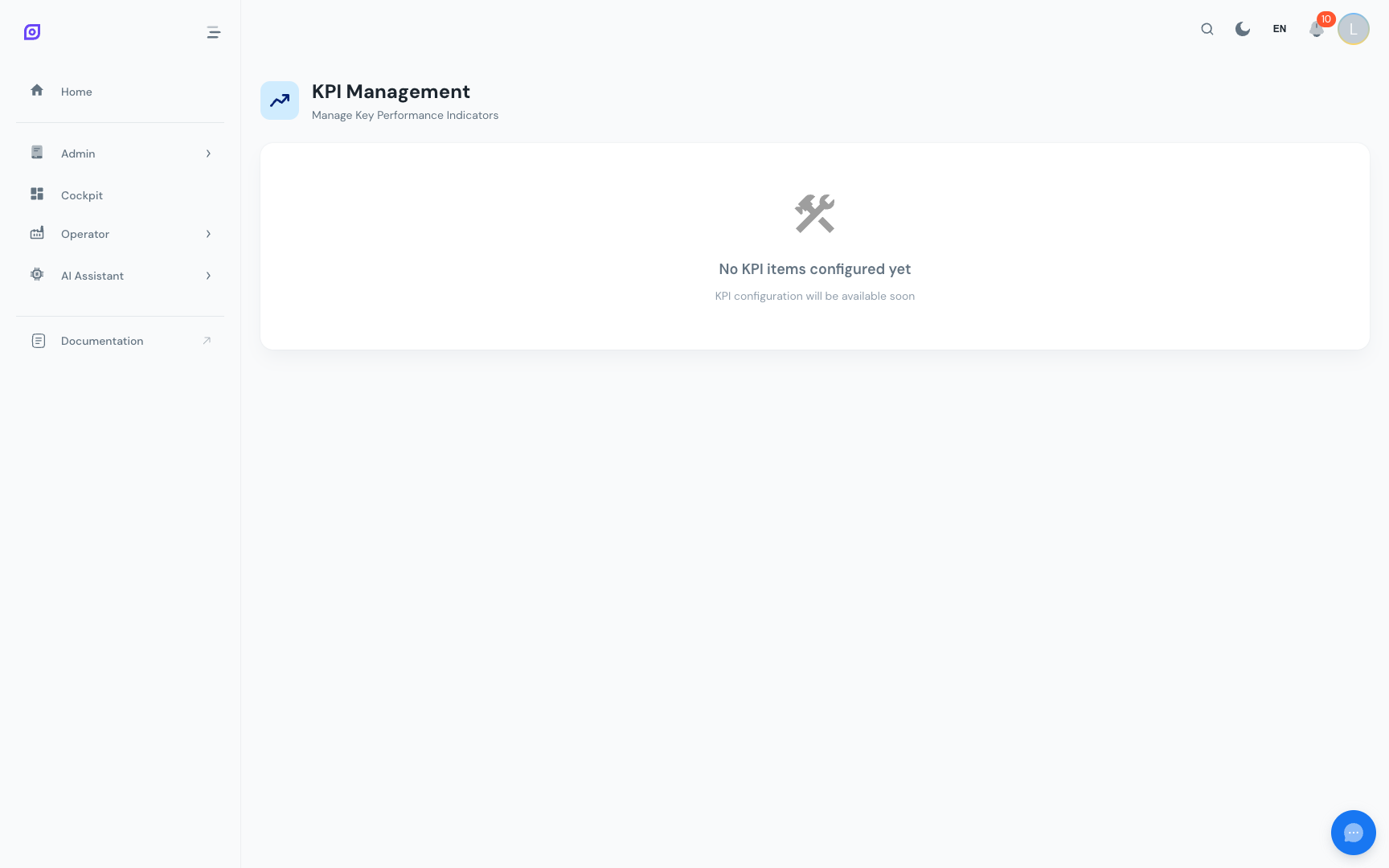
:::info Coming soon The KPI configuration module is being actively developed. Sub-sections described here may appear as placeholder cards in the current version. This documentation will be updated as features are released. :::
What KPIs Are Tracked
OpSee calculates and displays the following KPIs across the Production and Cockpit modules:
| KPI | Description |
|---|---|
| OEE | Overall Equipment Effectiveness = Availability × Performance × Quality |
| Availability | Planned production time vs. actual running time |
| Performance | Actual output vs. theoretical maximum output |
| Quality | Good parts vs. total parts produced |
| MTBF | Mean Time Between Failures |
| MTTR | Mean Time To Repair |
| Downtime events | Count of stops per equipment per period |
| Validation rate | Percentage of downtime events that have been classified |
Operator KPI Screen
The /admin/kpi hub also links to the Operator KPI Screen (/production/kpi/operator): a real-time status board designed for shop-floor displays.
See Operator → KPI Screen for details on the operator-facing display.
KPI Targets
OEE targets (the green/orange/red thresholds on gauges) are configured per equipment in the Equipment → OEE Settings tab.
See Equipment → OEE Settings for configuration instructions.
Viewing KPIs
| Page | Audience | Data shown |
|---|---|---|
| Production → OEE Dashboard | Supervisors | Historical OEE, trend, breakdown by equipment |
| Production → Downtime | Supervisors | Downtime events, top reasons, Pareto |
| Production → KPI | Managers | Aggregated KPIs across lines |
| Operator → KPI Screen | Operators | Real-time current-shift KPIs |
| Cockpit | All roles | Custom KPI dashboards |
Prerequisites
- Equipment → OEE Settings — set OEE targets per equipment
- OEE Configuration — define loss categories, types, and reason trees
Related
- OEE Fundamentals — the theory behind OEE metrics