Grafana Users
Route: Administration → Access Control → Grafana Users (/admin/access-control/grafana-users)
OpSee integrates with Grafana for advanced dashboard creation. The Grafana Users page lets administrators manage Grafana accounts and assign roles, all without leaving OpSee.
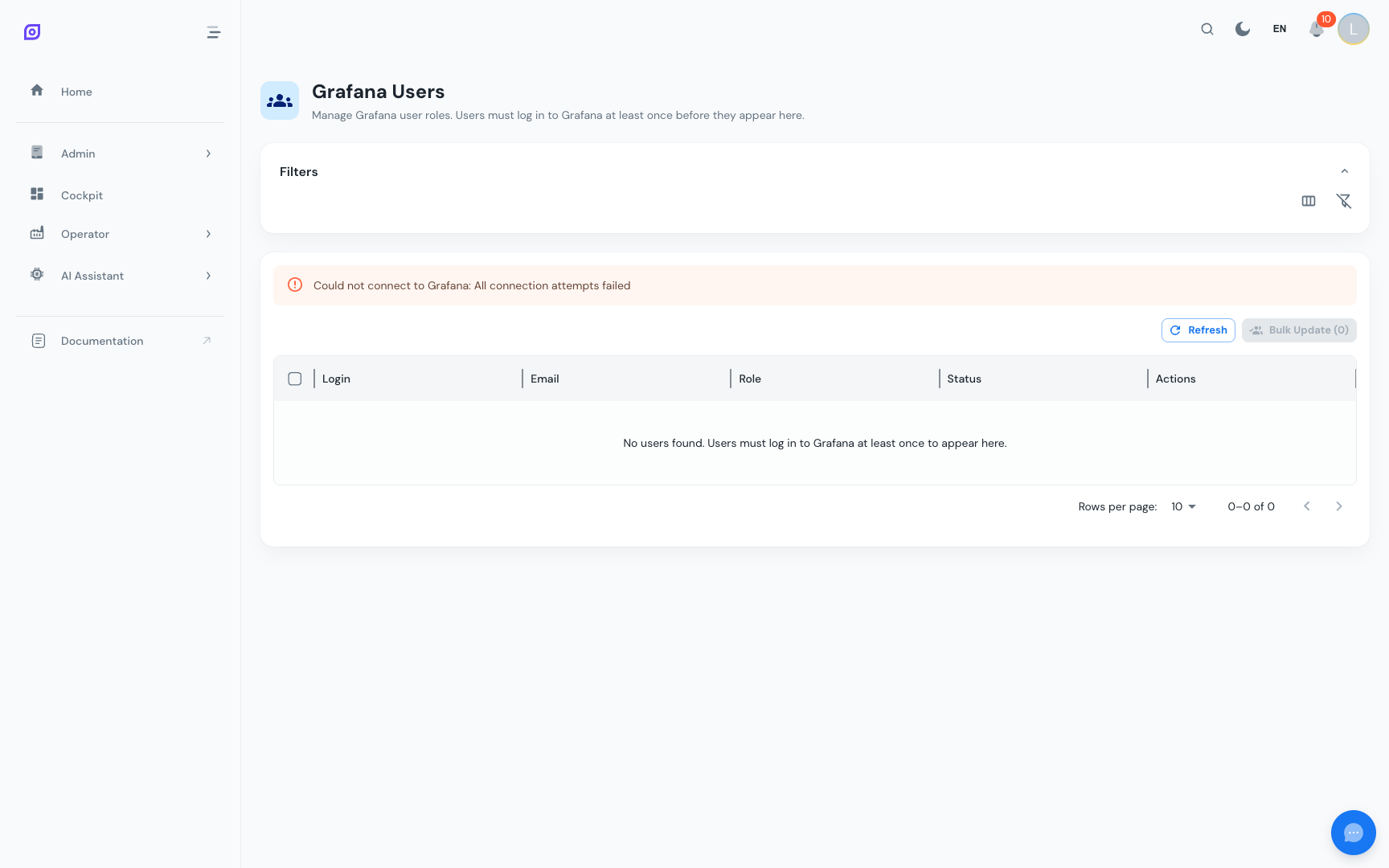
What this page does
Grafana has its own user management system, separate from Keycloak. This page provides a bridge so that OpSee administrators can:
- See all users who have a Grafana account
- Change their Grafana role (Viewer / Editor / Admin)
- Synchronize OpSee users with Grafana accounts
Grafana roles
| Role | Permissions |
|---|---|
| Viewer | Can view existing dashboards; cannot create or edit |
| Editor | Can create and edit dashboards, panels, and data sources |
| Admin | Full Grafana admin (user management, organization settings) |
Most operators and supervisors should have Viewer access. Engineers and analysts who build custom dashboards need Editor.
Assigning roles
- Find the user in the grid
- Click the role chip in their row
- Select the new role from the dropdown
- Click Save
Changes take effect immediately. The user will see their new permissions on their next Grafana page load.
Bulk role update
To change roles for multiple users at once:
- Select multiple users using the checkboxes on the left
- Click Bulk Update Roles in the toolbar
- Choose the role to assign to all selected users
- Confirm
Who needs a Grafana account?
Not all OpSee users need a Grafana account. Grafana accounts are only needed for users who:
- Create or maintain Grafana dashboards
- Embed Grafana panels in OpSee dashboards (via the Cockpit data widgets)
- Monitor advanced time-series data in Grafana directly
For routine production monitoring, OpSee's built-in Cockpit and Production dashboards are sufficient.
Prerequisites
- Access Control Overview — the full access model
- Administration → Grafana — the Grafana integration overview
Next steps
- User Management — manage OpSee / Keycloak users
Related
- Cockpit — OpSee's built-in dashboard system (no Grafana needed for standard monitoring)